 Myfxbook
 How to purchase and update products?
 FAQ – Frequently Asked Questions & Important Information at TopEAstore.com
 VPS
VPS DOWNLOADS
 My account
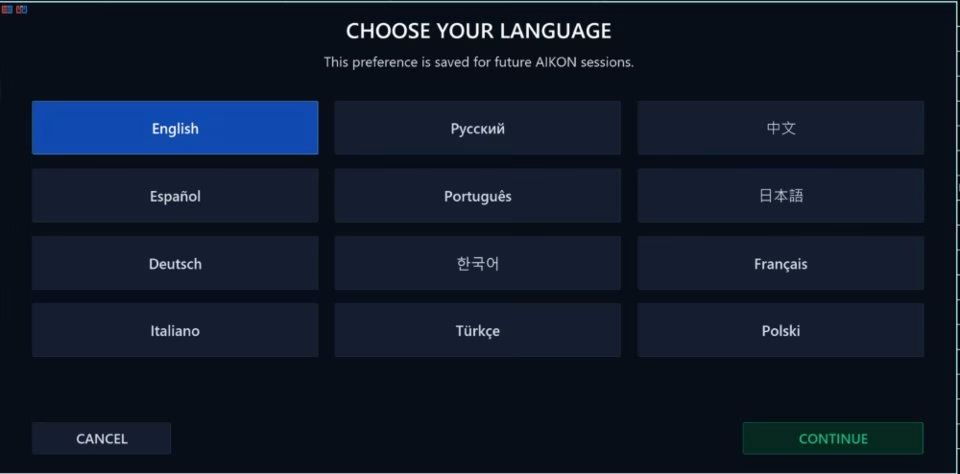
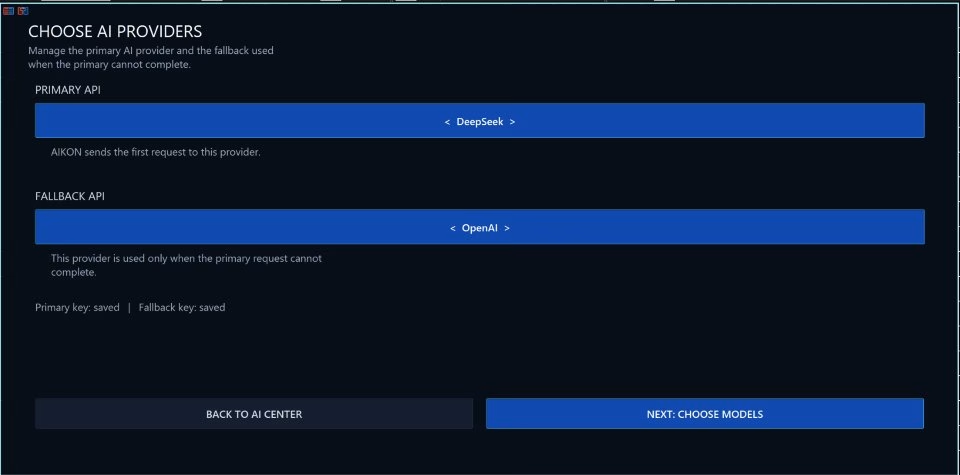
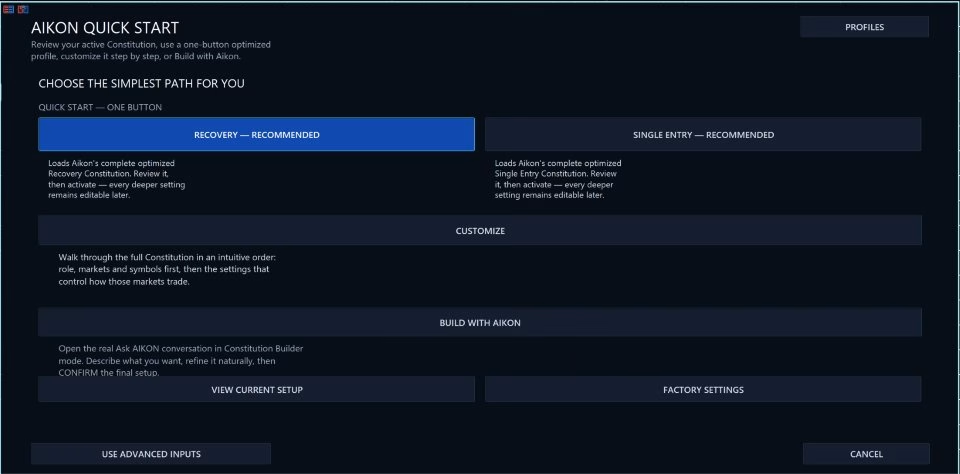
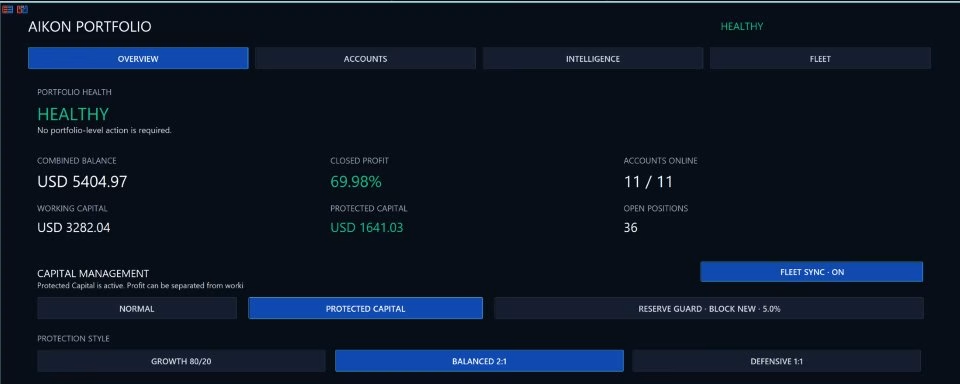

Aikon MT5 Unlimited


$20
Aikon MT5 is an AI-powered Expert Advisor for MetaTrader 5 that combines automated trading with conversational control, market analysis, risk management, and portfolio monitoring.
Before using Aikon, please follow the author’s official setup guide for installation, AI provider configuration, trading profiles, Telegram pairing, capital management, and other essential settings.
Read the complete Aikon MT5 setup and usage guide
The guide is the recommended starting point for configuring Aikon correctly. It walks you through the setup process step by step and explains how the main features work, so you can configure the EA independently before enabling automated trading.
Once configured, Aikon can operate according to your selected strategy, risk controls, capital allocation, and trading rules while MetaTrader 5 remains running and connected.
Start with the guide. Configure your system. Understand your settings. Then let Aikon work within your rules.
Receive your product instantly via email right after purchase.
All products sold on our website are full, unlimited-use versions.
Any new versions we receive will be automatically added to your account.
No hidden fees—what you see is what you pay.
Aikon MT5 – AI-Powered Automated Trading with Conversational Control
Aikon MT5 is an AI-powered Expert Advisor (EA) for MetaTrader 5 designed for traders who want automated execution, intelligent market analysis, and direct conversational control over their trading system.
Instead of navigating through multiple settings and menus, you can simply ask Aikon what you want to understand or change. Aikon can analyze your trading environment, review positions and exposure, prepare configuration changes, and manage automated trading according to the rules you approve.
From a single MT5 account to a connected multi-account fleet, Aikon combines automated trading with AI-assisted decision support, capital controls, monitoring, and conversational operation.
Your strategy. Your capital. Your rules. Your control.
AI-Powered Automated Trading for MetaTrader 5
Once configured and enabled, Aikon can analyze markets, open trades, and manage positions automatically according to your selected strategy, risk controls, and trading permissions.
You do not need to approve every routine entry. Aikon continues operating under the rules you have enabled while MetaTrader 5 remains running and connected.
Choose how you want to trade:
- Forex Single Entry with Stop Loss – individual Forex entries with configured exits.
- Gold Single Entry with Stop Loss – a starting profile designed for Gold trading.
- Forex Recovery – an optional recovery approach that can add and manage positions according to configured Recovery rules.
You can use your preferred symbols, request recommendations, or select AIKON CHOOSES for ongoing AI-assisted symbol selection.
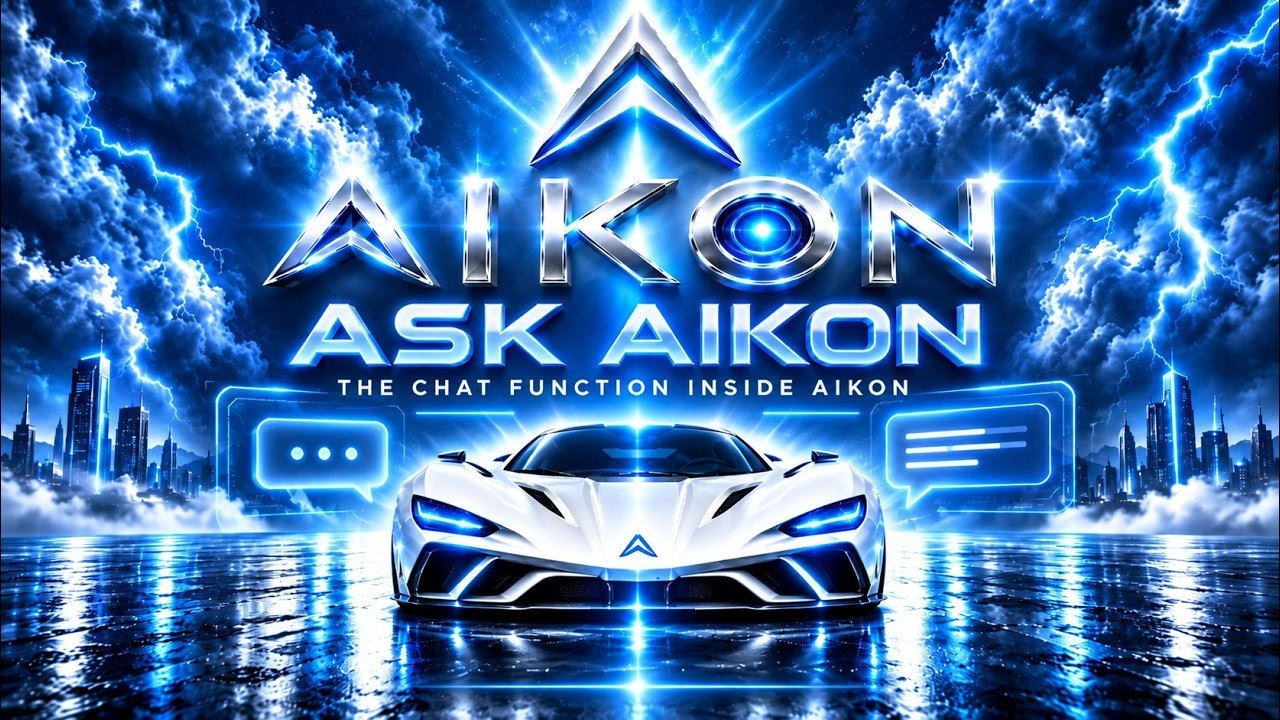
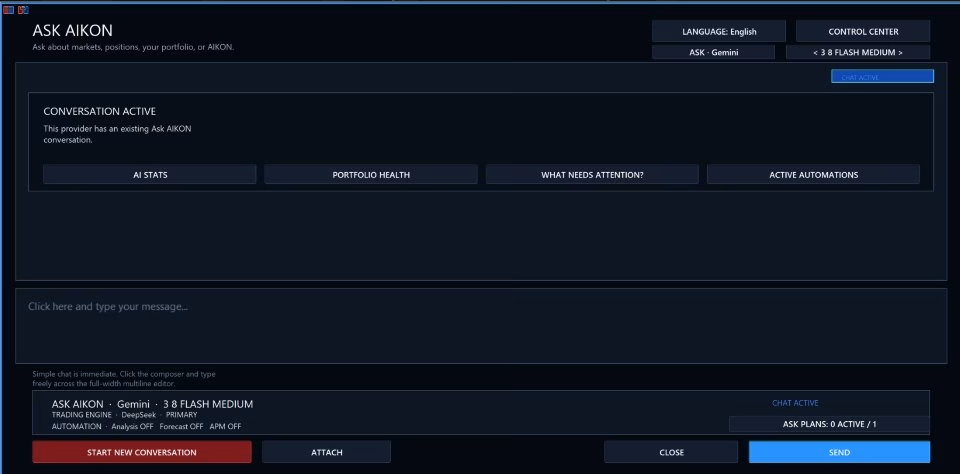
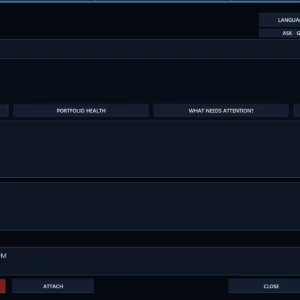
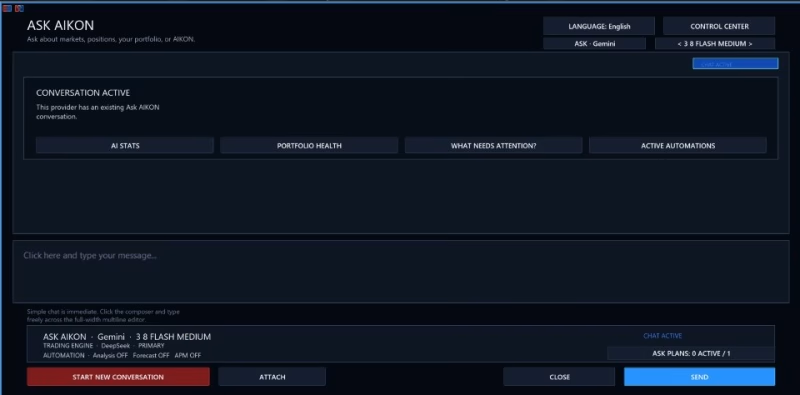
Ask Aikon – Control Your Trading System in Plain Language
The core of Aikon is Ask Aikon, a conversational interface that lets you interact with your trading system naturally.
Instead of searching through MT5 settings, ask questions such as:
- “Why didn’t this market trade?”
- “Review my current USD exposure.”
- “Build me a Forex setup with Stop Loss and explain the settings.”
- “Pause new entries until Monday.”
- “Prepare my account for FTMO and show me the protection settings.”
Aikon can inspect relevant settings, positions, capital, and connected accounts to explain what is happening and prepare appropriate actions.
For operational changes, Aikon presents the proposed action for your review. You confirm before the change is applied.
This creates a simple workflow:
Ask → Review → Confirm → Apply → See the Result
Automated Trading That Works Within Your Rules
Aikon is designed around controlled automation rather than unrestricted AI decision-making.
Your configured strategy determines how the EA operates, including position sizing, entry behavior, Take Profit, Stop Loss, Recovery settings, and capital allocation.
Single Entry supports AI-based or rule-based Take Profit and Stop Loss behavior.
Recovery is optional. If you do not want Recovery behavior, you can operate with Single Entry strategies instead.
The objective is straightforward: give the system clear boundaries and let automation operate inside them.
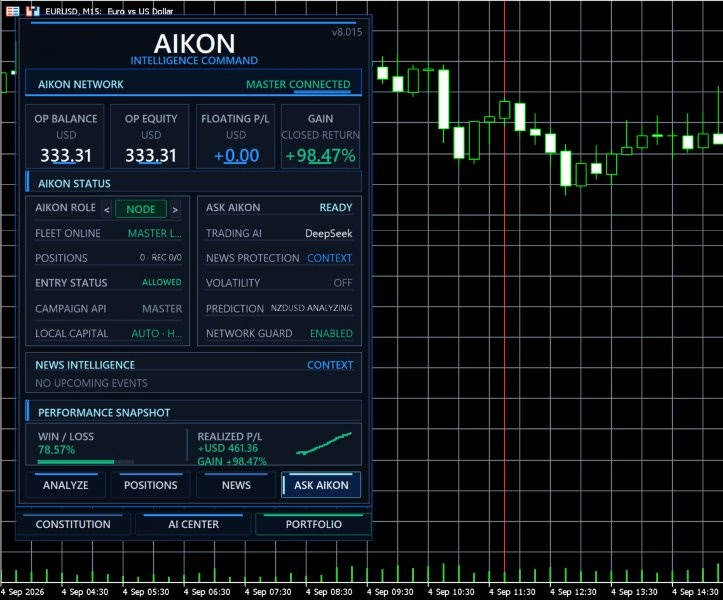
Capital Management and Risk Controls
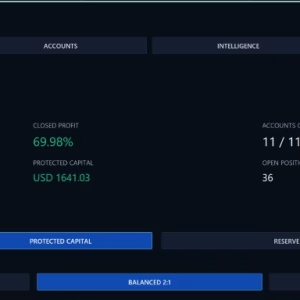
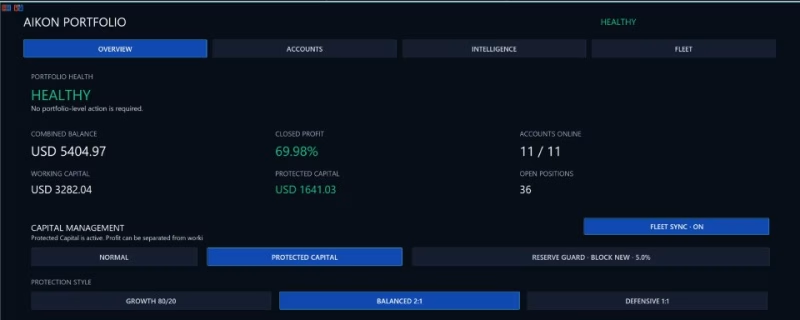
Aikon provides dedicated capital controls to help determine how much of your account may be used for trading.
Key concepts include:
- Operating Capital – the capital authorized for trading.
- Protected Reserve – capital separated from the normal trading allocation.
- Harvestable Profit – recognized profit above your active capital allocation baseline.
These controls help prevent a new trading opportunity from automatically becoming authorization to use additional capital.
Protected Reserve remains within the trading account. It is an operating allocation and not a withdrawal mechanism or guarantee against losses.
Capital controls can restrict new trading campaigns while allowing existing positions to continue receiving management and protection.
Trading Constitution – Define Your Standing Rules
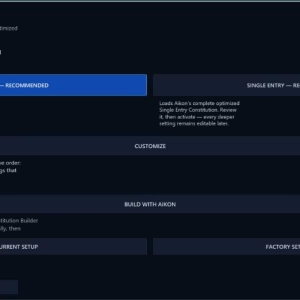
The Trading Constitution stores your continuing trading and protection policy.
You can edit it directly or ask Aikon to prepare changes for review.
This provides a distinction between:
Standing rules — your continuing trading and protection policy.
Temporary plans — specific objectives with conditions, execution limits, and expiration times.
This structure allows traders to define both their long-term operating principles and short-term trading instructions.
Temporary Trading Plans and Monitoring
Aikon can prepare instructions that continue after you close the conversation.
For example:
“Monitor Gold for longs under these conditions, allow one trade, manage it if it opens, and stop watching Friday at 15:00.”
Aikon can turn such an instruction into a temporary plan containing conditions, execution limits, management instructions, and an expiry.
You review and confirm the plan before it runs.
You can also create monitoring objectives and alerts without authorizing a trade.
Confirmed plans continue operating while the MT5 terminal remains running and connected.
AIKON Initiative – Intelligent Attention Between Conversations
Aikon does not require you to constantly ask what is happening.
AIKON Initiative can review meaningful changes in the system and bring relevant developments to your attention.
It can also follow up on previously identified concerns and check whether an issue still matters.
Initiative reviews are read-only. They do not independently authorize trading setting changes or place trades.
This gives traders a way to stay informed without turning every market development into another manual task.
Telegram Trading Control From Your Phone
With private Telegram pairing, Ask Aikon can be accessed from your phone.
You can use Telegram to:
- Check your portfolio.
- Ask about open positions.
- Review trading exposure.
- Prepare settings changes.
- Create alerts.
- Request a pause in new trading.
- Review and confirm proposed operations.
Your requests are returned to Aikon running inside MetaTrader for validation and execution.
The Telegram bot does not receive broker credentials or independent trading authority.
AI Research and Market Context
Aikon can also help you research trading ideas before acting.
For example:
“What could a hotter-than-expected CPI release mean for Gold? Research the current context and explain both scenarios.”
With web research enabled through a compatible provider, Aikon can retrieve current information and incorporate it into the discussion.
You can also provide supported files as additional context and ask Aikon to organize available information into TXT, CSV, or JSON reports.
This makes Aikon useful not only for execution, but also for structured market research and preparation.
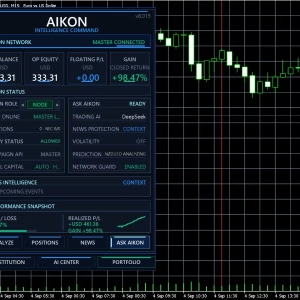
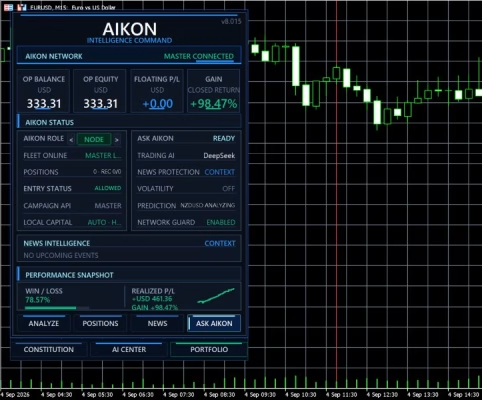
Multi-Account Master / Node Architecture
Aikon can operate independently on a single MT5 account or coordinate multiple connected accounts through its Master / Node architecture.
Shared analysis can support the wider fleet while each individual account maintains its own:
- Trading eligibility.
- Strategy settings.
- Risk controls.
- Capital allocation.
- Execution conditions.
Ask Aikon can inspect the broader operation, target a specific Node, or coordinate fleet-level actions.
For managed fleets, the Coordinator can handle proactive Initiative communication so individual Nodes do not compete for your attention.
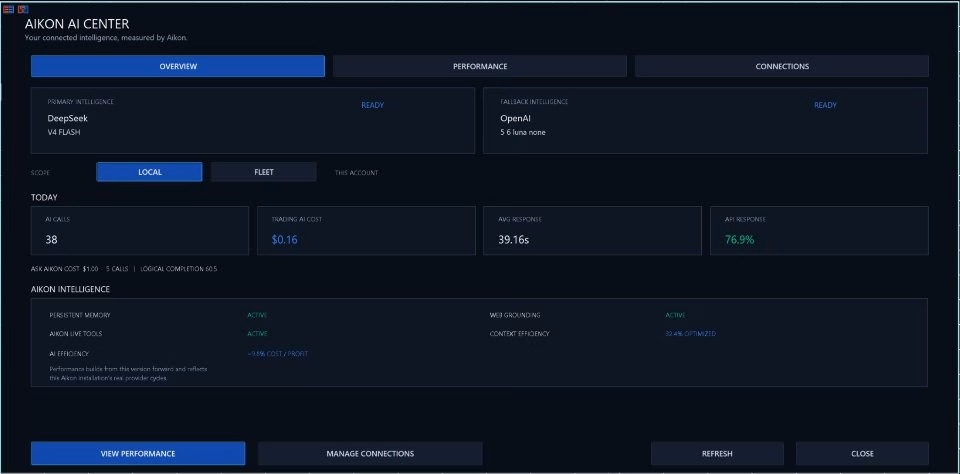
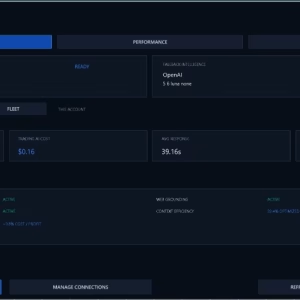
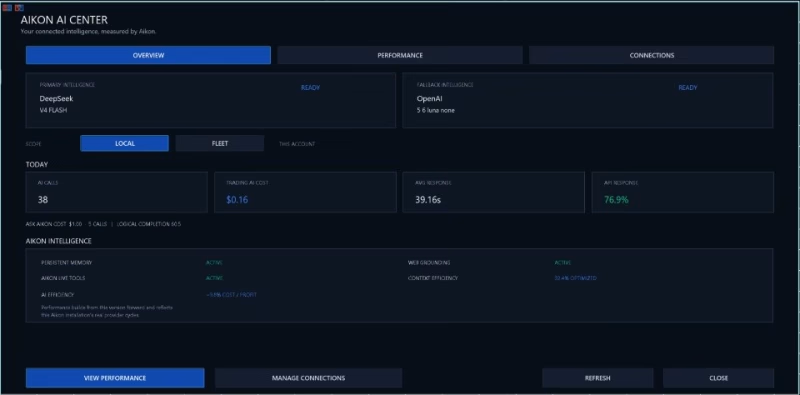
AI Economics – Understand Your AI Usage
AI usage has a cost, and Aikon provides visibility into that cost.
AI Economics tracks information such as:
- AI calls.
- Response times.
- Token usage.
- Tracked API costs.
- Tool usage.
- Web usage.
You can choose the provider and model that best fit your requirements.
Aikon is designed to reduce unnecessary duplicate AI work, preserve relevant conversational continuity, and share intelligence across connected accounts where appropriate.
External AI provider charges are separate and depend on the selected model, configuration, market activity, and conversations.
MetaTrader 5 Strategy Tester and Backtesting
The MetaTrader 5 Strategy Tester can be used to examine the underlying mechanical behavior available in simulation.
However, a traditional Strategy Tester run does not reproduce the complete connected Aikon environment.
Live AI conversations, provider research, Telegram functionality, and WebRequest-based services require the appropriate live environment and connections.
Use backtesting to evaluate available mechanical trading behavior, while demonstrations and live connected operation are used to evaluate the complete AI-assisted workflow.
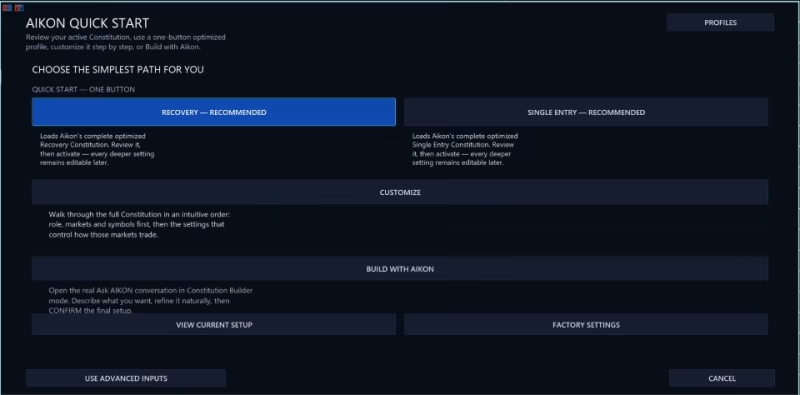
Quick Start and Configuration
Aikon is designed to let traders begin with a setup they understand.
You can start with:
- One MT5 account.
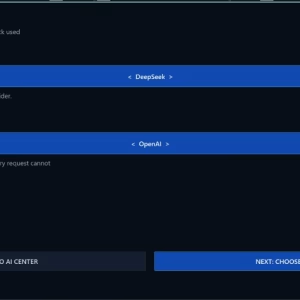
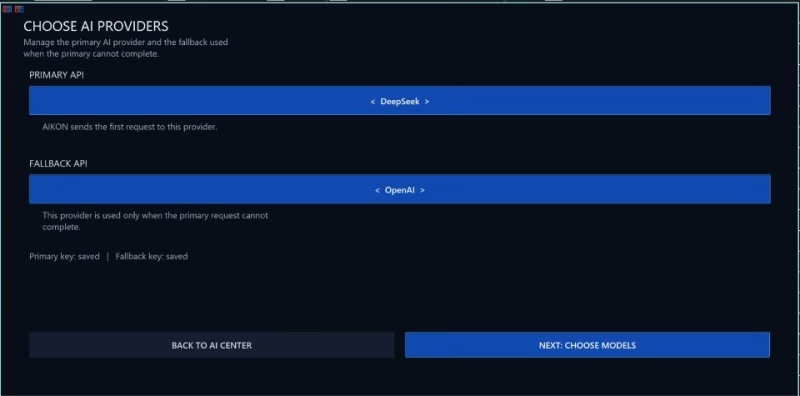
- One AI provider.
- One AI model.
- One API key.
- A predefined trading profile or your own configuration.
Quick Start can use your AI connection to initialize Aikon’s primary AI functions.
External AI provider fees are separate from the Aikon product.
You remain responsible for understanding your strategy, settings, risk exposure, and capital allocation before enabling automated trading.
MT5 Requirements and Important Considerations
Before using Aikon, consider the following requirements:
- AI features require internet access and configured AI provider credentials.
- External AI provider charges are separate.
- Automated trading and ongoing monitoring require MetaTrader 5 to remain running and connected.
- Required MT5 trading permissions must be enabled.
- Web, file, and model capabilities depend on the selected AI provider.
- Netting accounts cannot run Recovery.
- FIFO and no-hedge conditions can affect execution behavior.
- Purchaser-only manuals and product support require proof of MQL5 Market purchase.
- A review is not required for product support.
- Aikon does not guarantee profit or eliminate the risks of trading.
Built for Traders Who Want Control, Not Complexity
Traditional automated trading systems often require traders to navigate complex menus to understand what the system is doing.
Aikon takes a different approach.
You can ask about your trading system in plain language, receive an explanation based on the available system context, and prepare changes without manually searching through every setting.
At the same time, automation remains governed by the rules, permissions, capital controls, and configurations you enable.
The result is a trading environment where AI assists the trader without replacing the trader’s responsibility.
Start With One Account and Scale When Ready
You do not need to build a complex multi-account operation from day one.
Start with one account and a strategy you understand.
Configure your trading rules, define your capital allocation, enable the appropriate permissions, and let Aikon operate within those boundaries.
As your requirements grow, Aikon can extend to connected accounts through its Master / Node architecture.
Start simple. Understand the system. Expand when it serves your trading.
Why Choose Aikon MT5?
Aikon MT5 combines several functions that are normally separated across different tools:
- AI-powered market analysis.
- Automated MT5 trading.
- Conversational trading control.
- Risk and capital management.
- Temporary trading plans.
- Alerts and monitoring.
- Telegram access.
- AI-assisted market research.
- Multi-account coordination.
- AI usage and cost tracking.
- Trading Constitution for continuing rules.
- AIKON Initiative for proactive, read-only attention.
The goal is not to make trading effortless or risk-free.
The goal is to make an automated trading system more understandable, more controllable, and easier to operate.
Your Strategy. Your Capital. Your Rules. Your Control.
Aikon MT5 is built for traders who want automation without giving up visibility and control.
Configure the system you understand. Define how much capital it may use. Set the rules that govern its behavior. Ask questions when something does not make sense. Review proposed changes before they are applied.
Then let Aikon work within those boundaries.
Aikon MT5 — AI-powered automated trading with conversational control.
Related products


EXPERT ADVISOR

EXPERT ADVISOR

Copy Trading Tools


EXPERT ADVISOR

EXPERT ADVISOR


EXPERT ADVISOR


EXPERT ADVISOR

EXPERT ADVISOR