 Myfxbook
 How to purchase and update products?
 FAQ – Frequently Asked Questions & Important Information at TopEAstore.com
 VPS
VPS DOWNLOADS
 My account
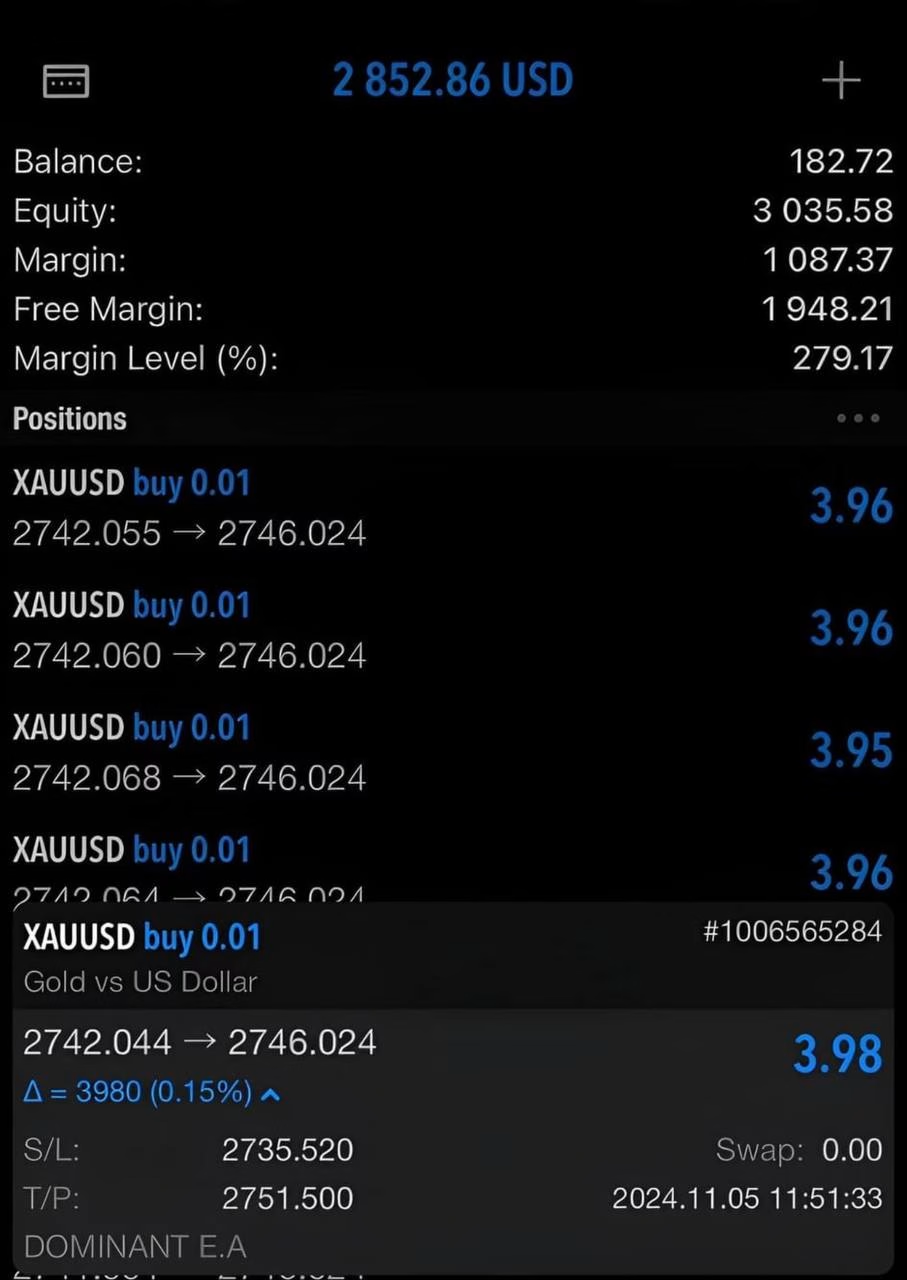
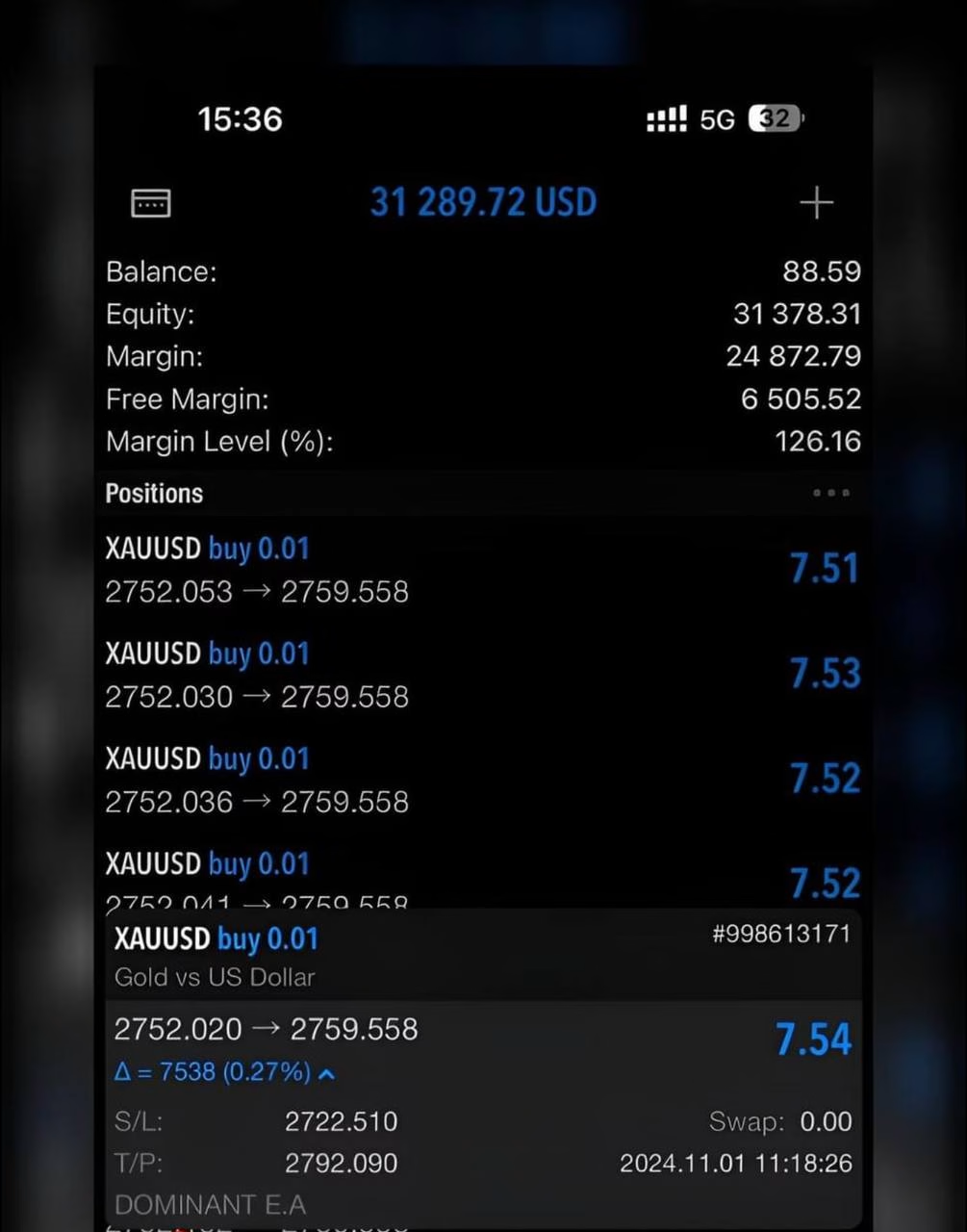

Dominant EA Pro MT5 V7.4 Unlimited With Set Files


$20
Dominant EA Pro MT5 V7.4 With Set Files is an advanced automated trading solution built for MetaTrader 5 traders who want a structured approach to forex and gold trading. Designed around a liquidity-trap trading concept and supported by technical tools such as MACD, ATR, and Bollinger Bands, the EA aims to identify high-probability market opportunities while maintaining disciplined trade execution.
Version 7.4 comes with ready-to-use set files, making it easier to configure the EA for supported instruments and trading conditions. Whether you trade XAUUSD, GBPUSD, or EURUSD, the system provides customizable risk settings and automated execution without requiring constant manual intervention.
Receive your product instantly via email right after purchase.
All products sold on our website are full, unlimited-use versions.
Any new versions we receive will be automatically added to your account.
No hidden fees—what you see is what you pay.
Dominant EA Pro MT5 V7.4 With Set Files – Advanced Automated Trading
Dominant EA Pro MT5 V7.4 No DLL + SetFiles
EA + Presets / No DLL
Unlimited + Free update
Vendor link: View here
Advanced Liquidity Trap Trading Strategy
Dominant EA Pro MT5 V7.4 is designed to analyze price behavior around potential liquidity zones and look for trading opportunities when market structure suggests a possible trap or reversal.
The strategy combines liquidity-based analysis with established technical indicators, including:
- MACD for momentum and trend confirmation.
- ATR for measuring market volatility and adapting trade parameters.
- Bollinger Bands for identifying price extremes and potential reversals.
- Price action and market conditions to help filter lower-quality trading opportunities.
This multi-layered approach is designed to help traders avoid relying on a single indicator and instead evaluate several market factors before an automated trade is executed.
Dominant EA Pro MT5 V7.4 With Set Files
One of the main advantages of this package is the inclusion of set files. These configuration files can significantly simplify the initial setup process by providing predefined parameters for different trading environments.
Instead of manually adjusting every EA input from scratch, traders can load the appropriate set file, review the parameters, and then fine-tune the configuration according to their preferred risk profile and broker conditions.
This makes Dominant EA Pro V7.4 suitable for both experienced algorithmic traders and users who prefer a more straightforward setup process.
Optimized for XAUUSD, GBPUSD, and EURUSD
Dominant EA Pro MT5 V7.4 is primarily designed for major forex pairs and gold, with a focus on:
- XAUUSD (Gold) – suitable for traders looking to automate opportunities in a highly liquid and volatile market.
- GBPUSD – designed for dynamic forex conditions and strong intraday price movements.
- EURUSD – one of the world’s most actively traded currency pairs, offering deep liquidity and frequent market opportunities.
Because broker spreads, execution speeds, commissions, and market conditions can vary, traders should test the EA on their specific broker before using it on a live account.
Flexible Risk Management
Professional automated trading is not only about finding entries. Position sizing and risk control are equally important.
Dominant EA Pro MT5 V7.4 includes customizable risk parameters that allow traders to adapt the system to different account sizes and risk preferences. Users can select a more conservative approach or increase exposure depending on their trading plan.
For a disciplined trading setup, it is recommended to start with conservative risk settings, evaluate performance through testing, and increase exposure only after sufficient validation.
Fully Automated MT5 Trading
Once configured, Dominant EA Pro MT5 V7.4 can automate the trading process directly through MetaTrader 5.
The EA is designed to handle key parts of the trading workflow, including:
- Market analysis
- Signal filtering
- Trade entry
- Position management
- Automated execution
- Risk parameter application
Automation can help reduce emotional decision-making and ensure that predefined trading rules are applied consistently.
Professional Setup With Ready-to-Use Set Files
Getting started with Dominant EA Pro MT5 V7.4 is straightforward:
- Install the EA on your MetaTrader 5 platform.
- Open the chart for your preferred trading instrument.
- Attach Dominant EA Pro V7.4 to the chart.
- Load the corresponding set file.
- Review risk and trading parameters.
- Run the EA on a demo account for forward testing.
- Move to live trading only after validating the configuration and execution conditions.
A VPS is also recommended for traders who want the EA to operate continuously with stable connectivity.
Why Choose Dominant EA Pro MT5 V7.4?
Dominant EA Pro MT5 V7.4 is built for traders who want to combine automated execution, technical confirmation, liquidity-based analysis, and configurable risk management in one MT5 trading system.
Key benefits include:
- Advanced liquidity-trap trading concept
- MACD, ATR, and Bollinger Bands integration
- Ready-to-use set files
- Automated trade execution
- Adjustable risk management
- Support for XAUUSD, GBPUSD, and EURUSD
- Designed for MetaTrader 5
- Suitable for demo and live-account testing
- Reduced dependence on manual trading decisions
Backtesting and Risk Disclaimer
Past backtests and historical results should not be interpreted as a guarantee of future performance. A high historical win rate does not eliminate the possibility of losses, drawdowns, slippage, spread expansion, or changing market conditions.
Before using Dominant EA Pro MT5 V7.4 on a live account, traders should conduct their own backtests and forward tests, verify broker compatibility, and use appropriate risk management. Starting with a demo account and conservative settings is strongly recommended.
Final Verdict
Dominant EA Pro MT5 V7.4 With Set Files offers a practical solution for traders seeking to automate a liquidity-based trading strategy on MetaTrader 5. With technical confirmation from MACD, ATR, and Bollinger Bands, customizable risk controls, and ready-to-use configuration files, the EA is designed to make automated trading more structured and accessible.
For traders focusing on XAUUSD, GBPUSD, and EURUSD, V7.4 provides a convenient framework for testing and implementing systematic trading rules while maintaining control over risk and execution parameters.
📥 Instant Delivery & Lifetime Access
After purchase, download instantly here:
👉 https://topeastore.com/my-account/downloads/
Your question is already answered in our FAQ here:
👉 https://topeastore.com/faq/

Related products
![💎 BilzSMC PREMIUM EA MQ4 [Source code] + SetFiles 💎 EA / Source code / Presets / No DLL 💎 FTMO / MFF / PROPFIRMS 💎 Unlimited + Free update](https://topeastore.com/wp-content/uploads/2023/12/photo_2023-12-25_10-52-47-300x300.jpg)
EXPERT ADVISOR

EXPERT ADVISOR


EXPERT ADVISOR


EXPERT ADVISOR


EXPERT ADVISOR


EXPERT ADVISOR


EXPERT ADVISOR

EXPERT ADVISOR