 Myfxbook
 How to purchase and update products?
 FAQ – Frequently Asked Questions & Important Information at TopEAstore.com

 VPS
 DOWNLOADS
 My account




Iron Stops v1.18 MQ5 Source Code Unlimited + SetFiles


$29
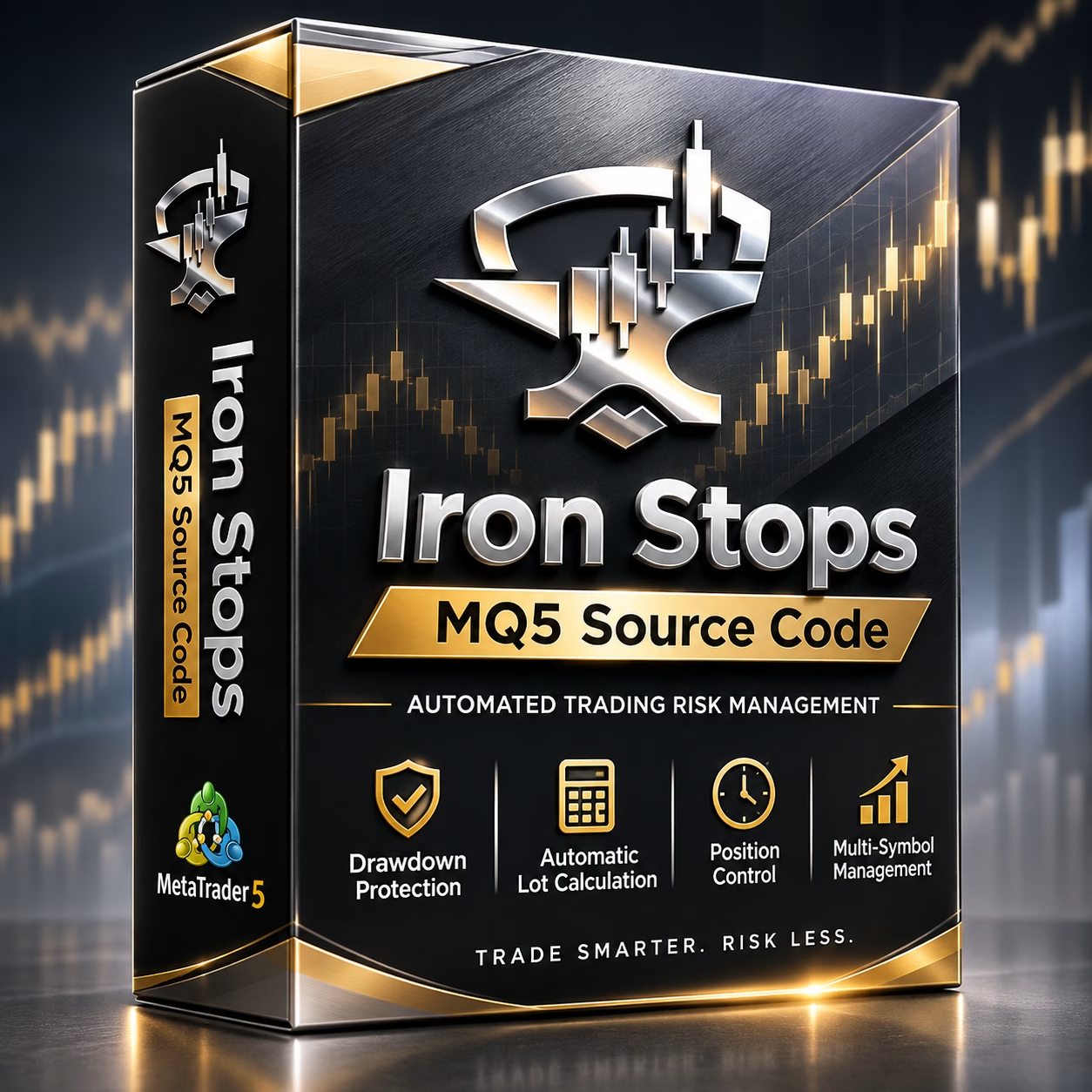
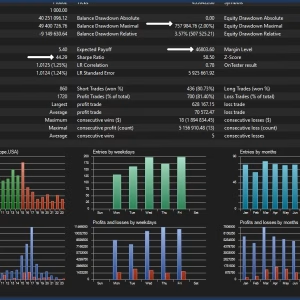
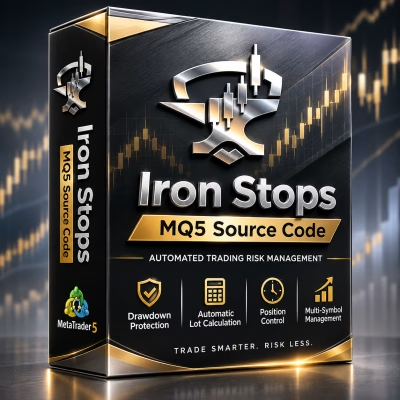
Iron Stops MQ5 Source Code is an automated trading management EA for MetaTrader 5, featuring dynamic lot sizing, drawdown protection, and multi-symbol position management. Designed for XAUUSD on the M30 timeframe, it helps traders maintain disciplined risk parameters and keep trading activity within predefined limits.
Receive your product instantly via email right after purchase.
All products sold on our website are full, unlimited-use versions.
Any new versions we receive will be automatically added to your account.
No hidden fees—what you see is what you pay.
Iron Stops MQ5 Source Code – Automated Trading Risk Management and Position Control
Iron Stops MQ5 Source Code is an Expert Advisor designed for traders who prioritize disciplined risk management, consistent execution, and controlled trading activity. Built for MetaTrader 5, this EA combines automated position management, dynamic lot calculation, drawdown protection, and multi-symbol monitoring in one streamlined trading solution.
Whether you are trading your own account, working toward a prop firm challenge, or managing client funds, Iron Stops provides a structured approach to maintaining predefined trading boundaries.
Designed to operate from a single XAUUSD chart on the M30 timeframe, Iron Stops simplifies your trading setup while handling multiple trading functions automatically.
Key Features of Iron Stops MQ5 Source Code
1. Automatic Risk-Based Lot Calculation
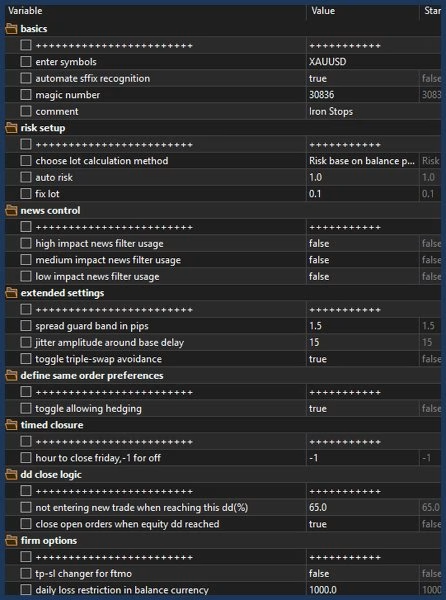
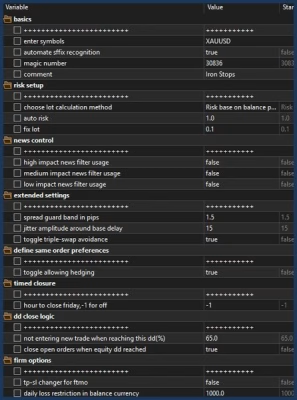
Iron Stops automatically calculates trading volume based on account balance and stop-loss distance. This helps traders maintain a more structured approach to position sizing without manually calculating lot sizes for every trade.
2. Flexible Manual and Fixed Lot Settings
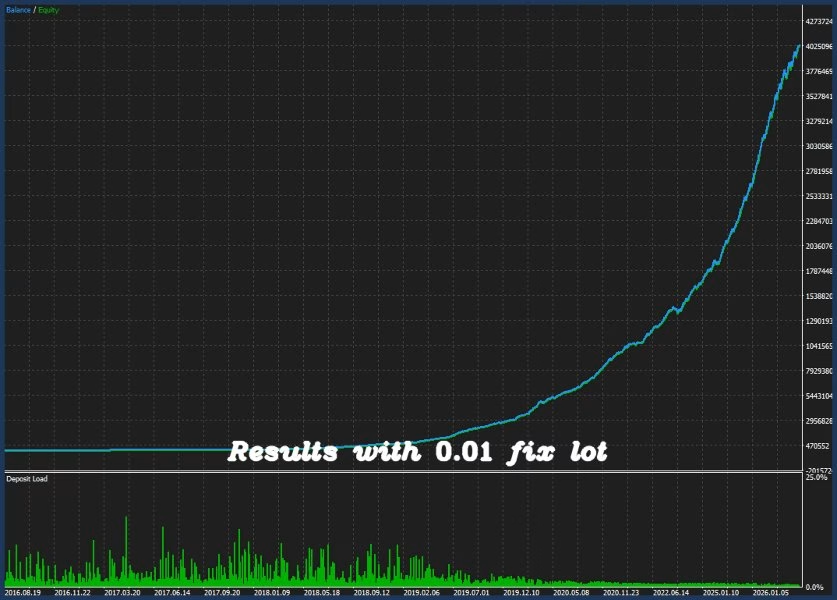
The EA supports different position-sizing preferences, allowing users to choose between automatic risk-based calculations and fixed lot sizing.
This flexibility makes it suitable for traders with different account management strategies and risk preferences.
3. Advanced Drawdown Protection
Capital protection is an essential part of a disciplined trading system. Iron Stops includes a drawdown protection mechanism that can automatically stop trading when floating losses exceed the predefined threshold.
This feature helps enforce risk boundaries and prevents trading activity from continuing beyond the configured loss limit.
4. Automated Position Management
Iron Stops is designed to manage trading positions within predefined time boundaries. Positions are configured to close within a maximum period of 36 hours, helping traders maintain control over trade duration and avoid unnecessarily prolonged exposure.
5. Multi-Symbol Management from a Single Chart
One of the practical advantages of Iron Stops is its single-chart operating structure.
Instead of attaching multiple instances to different charts, traders can use one chart to manage supported symbols internally. This keeps the MetaTrader 5 workspace organized and simplifies EA configuration.
6. Volume Acceleration Detection
Iron Stops incorporates a volume acceleration approach that monitors sudden changes in trading volume, which may indicate increased market activity or potential breakout conditions.
Volume analysis can provide additional market context, although it does not guarantee that a breakout will occur or predict its direction.
How Does Iron Stops Work?
Iron Stops combines automated position sizing, risk controls, and volume-based market monitoring into one Expert Advisor.
Its operating concept focuses on three important areas:
- Volume Acceleration: Monitors sudden changes in trading volume to identify periods of increased market activity.
- Risk-Based Position Sizing: Calculates appropriate trading volume according to account balance and stop-loss distance when automatic risk calculation is selected.
- Position and Drawdown Control: Applies predefined trading boundaries, including position-duration limits and floating-loss protection.
By bringing these functions together, Iron Stops aims to provide a more structured trading environment where risk parameters and position management remain central to the trading process.
Iron Stops EA Setup Instructions
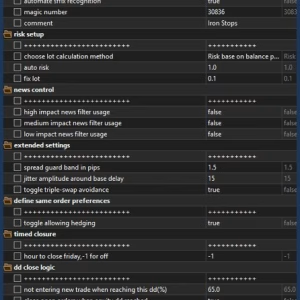
Setting up Iron Stops is straightforward. The recommended configuration uses a single chart with the specified symbol and timeframe.
| Parameter | Recommended Setting |
|---|---|
| Trading Platform | MetaTrader 5 |
| Expert Advisor | Iron Stops |
| Chart Symbol | XAUUSD |
| Timeframe | M30 |
| Managed Symbol | XAUUSD |
| Maximum Position Duration | 36 Hours |
| Operating Charts | Single Chart |
Important: Apply Iron Stops to the XAUUSD chart using the M30 timeframe. Make sure all input parameters are configured correctly before enabling automated trading.
Proper Configuration for Accurate Backtesting
Correct configuration is essential when evaluating an automated trading system.
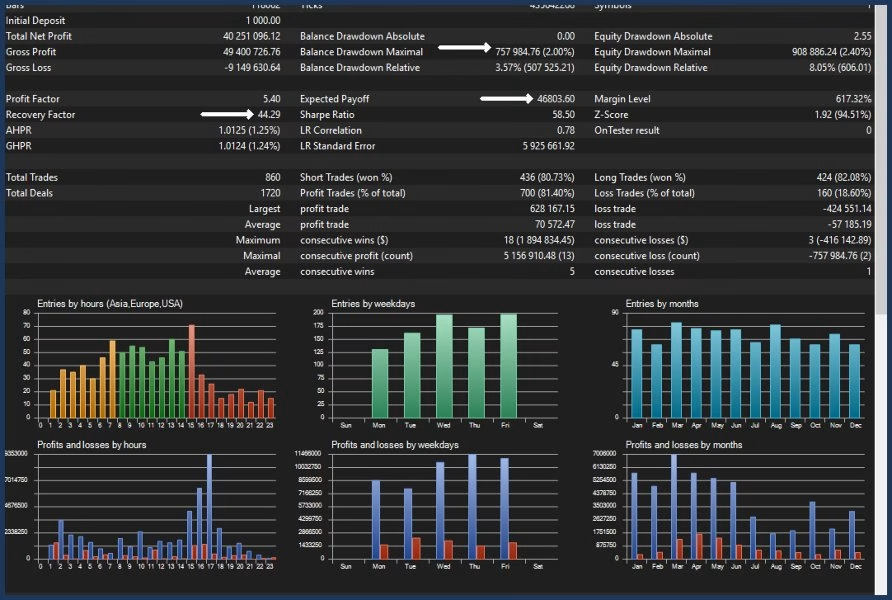
For more meaningful backtesting results, traders should use the appropriate EA settings, historical price data, trading conditions, and testing parameters.
The developer provides an .ini configuration file along with detailed instructions to help users configure the EA correctly.
Contact the developer to request the configuration file and setup guidance before conducting your backtests.
Who Should Use Iron Stops?
Iron Stops is designed for traders who value structured execution and automated risk controls.
It may be suitable for:
- Prop Firm Traders: Traders who need to maintain predefined drawdown limits and follow disciplined risk parameters.
- Forex and Gold Traders: Users focusing on XAUUSD who want automated position management.
- Professional Account Managers: Traders overseeing accounts who require consistent risk-control procedures.
- Systematic Traders: Users who prefer predefined rules for position sizing, trading duration, and drawdown management.
As with any automated trading system, suitability depends on account conditions, configuration, broker execution, and individual risk tolerance.
Iron Stops Pricing and Purchase Information
Iron Stops is offered with a limited-license pricing structure.
- Current listed price: 580.
- Price after the next 30-license sales milestone: 629.
- Reported sales at the time of the original announcement: 29 copies.
The advertised pricing and sales figures are subject to change. Please check the official product listing for the latest information.
FREE BONUS – Buy One, Get Two!
After purchasing Iron Stops, contact the developer to claim an additional Expert Advisor at no extra cost. Contact the developer for details about the bonus package and eligibility.
Free Demo Trial Available
Want to evaluate Iron Stops before purchasing?
Contact the developer to request a trial package for demo-account testing. This allows traders to explore the EA’s functionality, review its configuration, and understand its operating behavior without immediately committing to a live account.
Important Risk Disclaimer
Automated trading involves financial risk, and no Expert Advisor can guarantee profits or eliminate losses. Risk management features help enforce predefined trading rules but cannot prevent all adverse market conditions, slippage, execution issues, or unexpected volatility.
Always test Iron Stops on a demo account before considering live deployment. Review the EA settings carefully and use risk parameters appropriate to your trading capital and objectives.
Get Iron Stops MQ5 Source Code
If you are looking for an automated trading solution focused on position management, risk calculation, and drawdown protection, Iron Stops MQ5 Source Code offers a structured set of tools for your MetaTrader 5 environment.
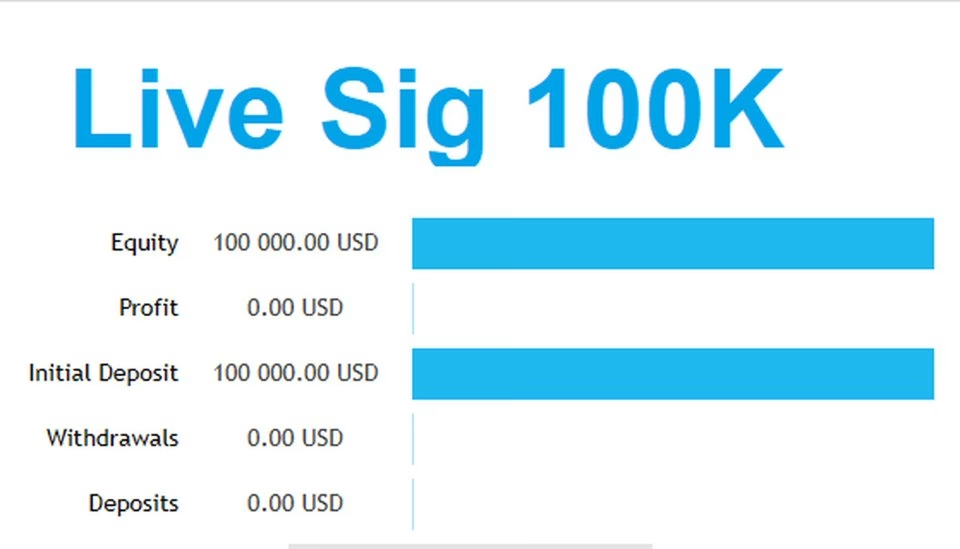
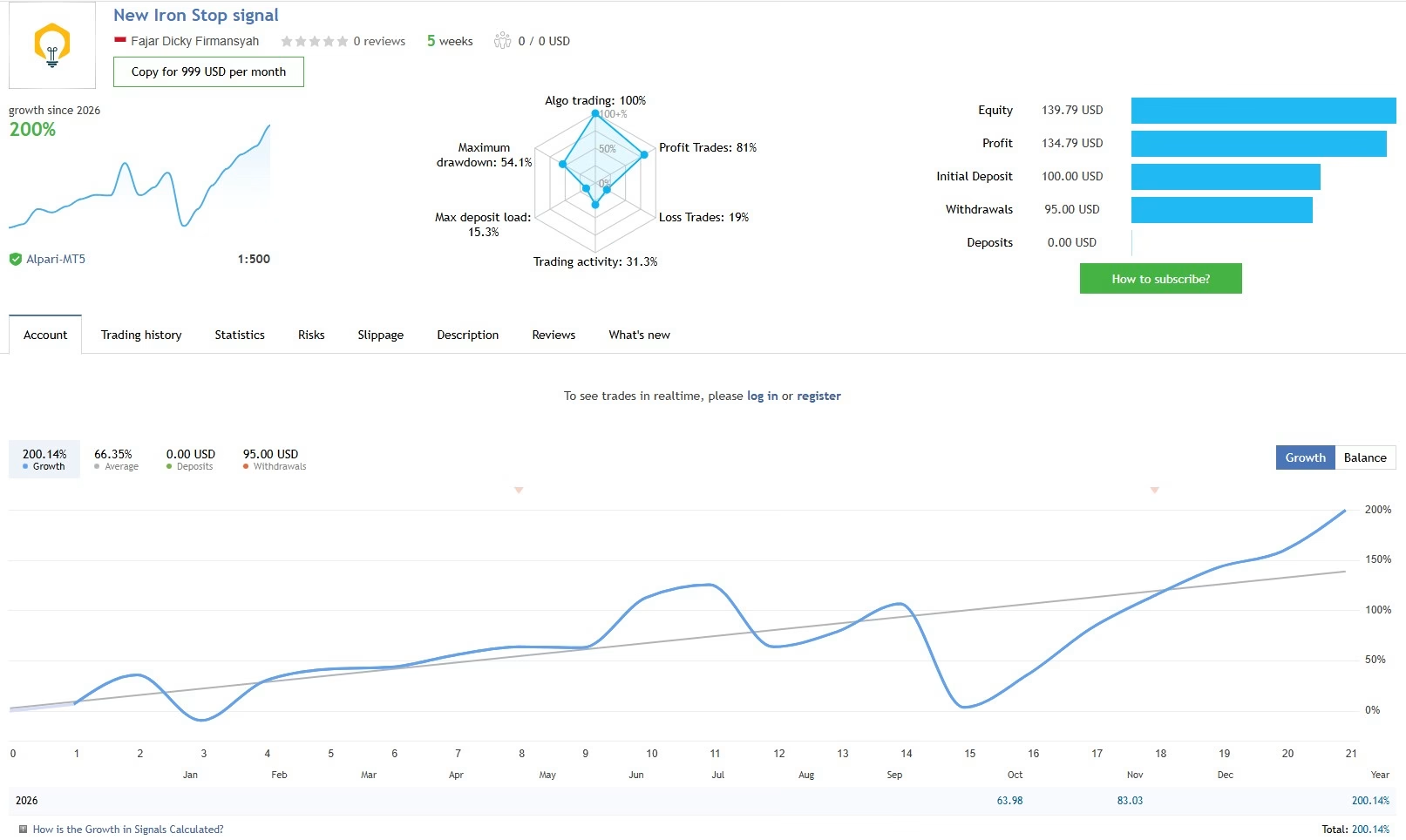
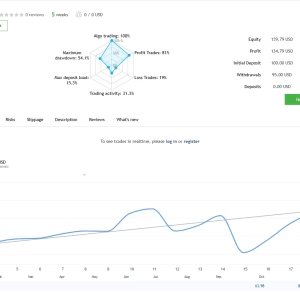
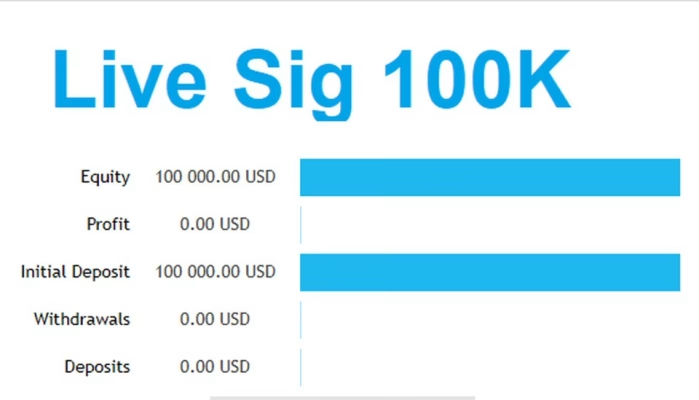
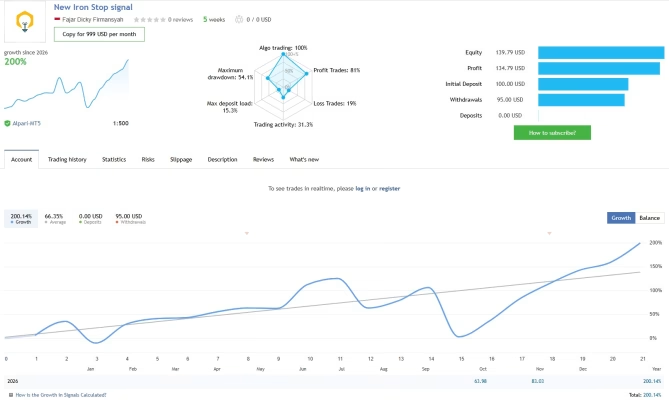
Explore the official trading signal, read the developer’s updates, and contact the developer for trial access and configuration assistance.
Official Resources:
- Trading Signal: https://www.mql5.com/en/signals/2395437
- Developer Blog: https://www.mql5.com/en/blogs/post/763583



Related products


EXPERT ADVISOR

EXPERT ADVISOR


EXPERT ADVISOR

EXPERT ADVISOR
EXPERT ADVISOR

EXPERT ADVISOR

EXPERT ADVISOR


EXPERT ADVISOR